
Start in under a minute
Get started with Verity Ledger
No account needed to begin. Scan the QR code with your phone to connect with us directly on WhatsApp and we'll walk you through everything.
1
Scan the QR code with your phone camera, or tap "Open WhatsApp directly" below it.
2
Send "Start" as your first message to begin the verification process.
3
Reply with the OTP code you receive to verify your phone number.
4
You're in! You'll get a Quick Start menu — reply QUOTE to create a quote, PAY to record a payment, or JOBS to view your dashboard.
Already using the platform? Your team's job links and proof links work over any channel — no app required.
Scan to chat on WhatsApp
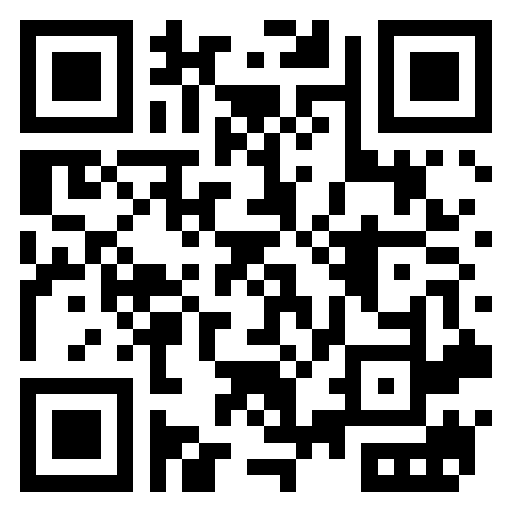
Point your camera at the code — no need to download anything or create an account.